
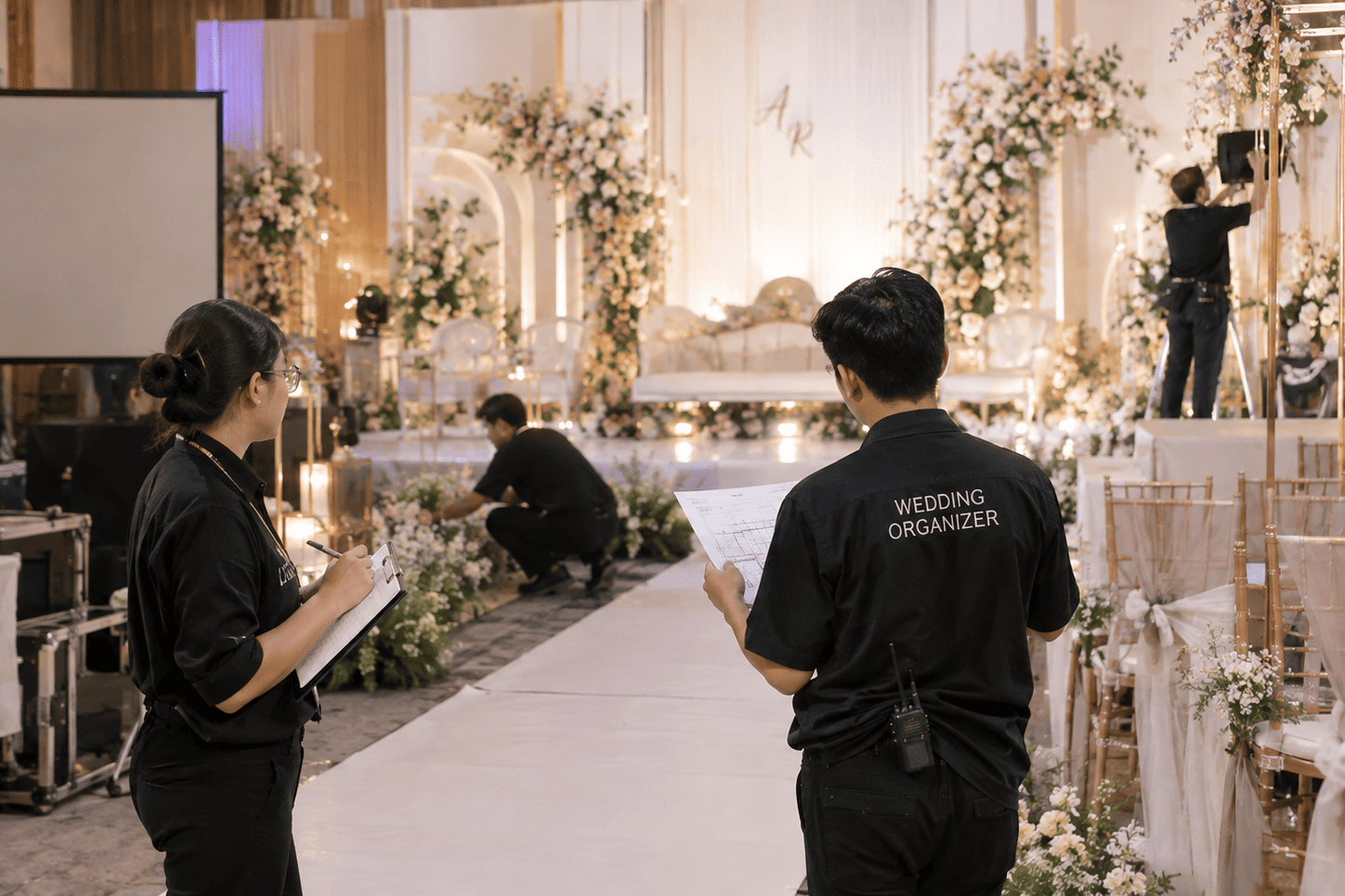
Competition among wedding organizers (WO) is getting fiercer. Many wedding packages look similar, from decoration to MC to documentation. That is why a different additional service can help your package be more memorable to prospective clients.
One option is a guestbook video. This article covers what a guestbook video is, why it suits WOs, and how to use it at a client's event.
What Is a Guestbook Video?
A guestbook video is a video-based guestbook. Guests do not write on paper; instead, they record a short message for the couple.
Guestbookvid is a web-based video guestbook. Guests can record with a tablet, phone, or laptop without installing an app, because everything runs in the browser. Each video is automatically given a digital frame and can be downloaded by guests via QR code scan.
Why Is a Guestbook Video a Good Fit for WOs?
There are several reasons this service is worth considering as an add-on to wedding packages.
1. Giving Clients a Different Experience
A regular guestbook is common. A guestbook video offers something more personal, because the couple receives messages complete with the faces, voices, and expressions of their closest people. This can be an easy added value to explain when you present your package.
2. Simple On-Site Preparation
No app needs to be installed. Your team only needs to prepare a device, such as an iPad, Android tablet, phone, laptop, or AIO PC, and connect it by QR code from the dashboard. After that, the device simply sits on the guest table.
3. Easy for Guests to Use
Guests only need to walk up to the device, tap the record button, and deliver a message of up to 60 seconds. The process is clear enough that your team does not need to give much direction.
4. Clear Per-Event Pricing
The rate is Rp 100,000 per event, paid via QRIS or credit card. With a clear cost, you can more easily calculate needs and set your package price.
5. Easy Delivery of Results to the Client
After the event, all videos can be downloaded at once from the dashboard. You can hand them over to the couple directly as part of the service.
How to Use Guestbook Video at a Client's Event
Here is a short flow your WO team can follow.
- Create the event. Log in to the Guestbookvid dashboard, create a new event, then set the maximum video duration up to 60 seconds.
- Make the payment. Pay Rp 100,000 per event via QRIS or credit card.
- Prepare the device. Choose a device that suits the event concept.
- Connect the device. Scan the QR code from the dashboard. The 24-hour active period starts counting from when the device connects.
- Set up at the venue. Place it on the guest table or in a dedicated area that is easy to see.
- Download the results. After the event, download all videos from the dashboard. Videos are stored for 30 days.
Tips for Offering Guestbook Video in Wedding Packages
To make this service attractive to prospective clients, you can try the following:
- Offer it as an add-on package.
- Explain that the couple will receive a collection of video messages from their guests.
- Show an example of how it works so the client can easily picture the result.
Things to Note
The device's active period is 24 hours from connection, and videos are stored for 30 days. Make sure your team downloads all videos after the event ends.
In addition, guests can choose whether their video may be published for promotion. If not, only the guest and the event owner can download it. So ask the client first whether they have any specific needs in this regard.
In short, for WOs, a guestbook video can be an additional service that makes a wedding package feel more complete and different. The setup is simple, it is easy for guests to use, and the cost is clear per event.